

Growth guide
Your guests, your data: how to win the next order
Every direct order builds a guest record you own. Use Customers, Companies and Discounts to bring them back.
 Tim Frostick7 October 20263 min read
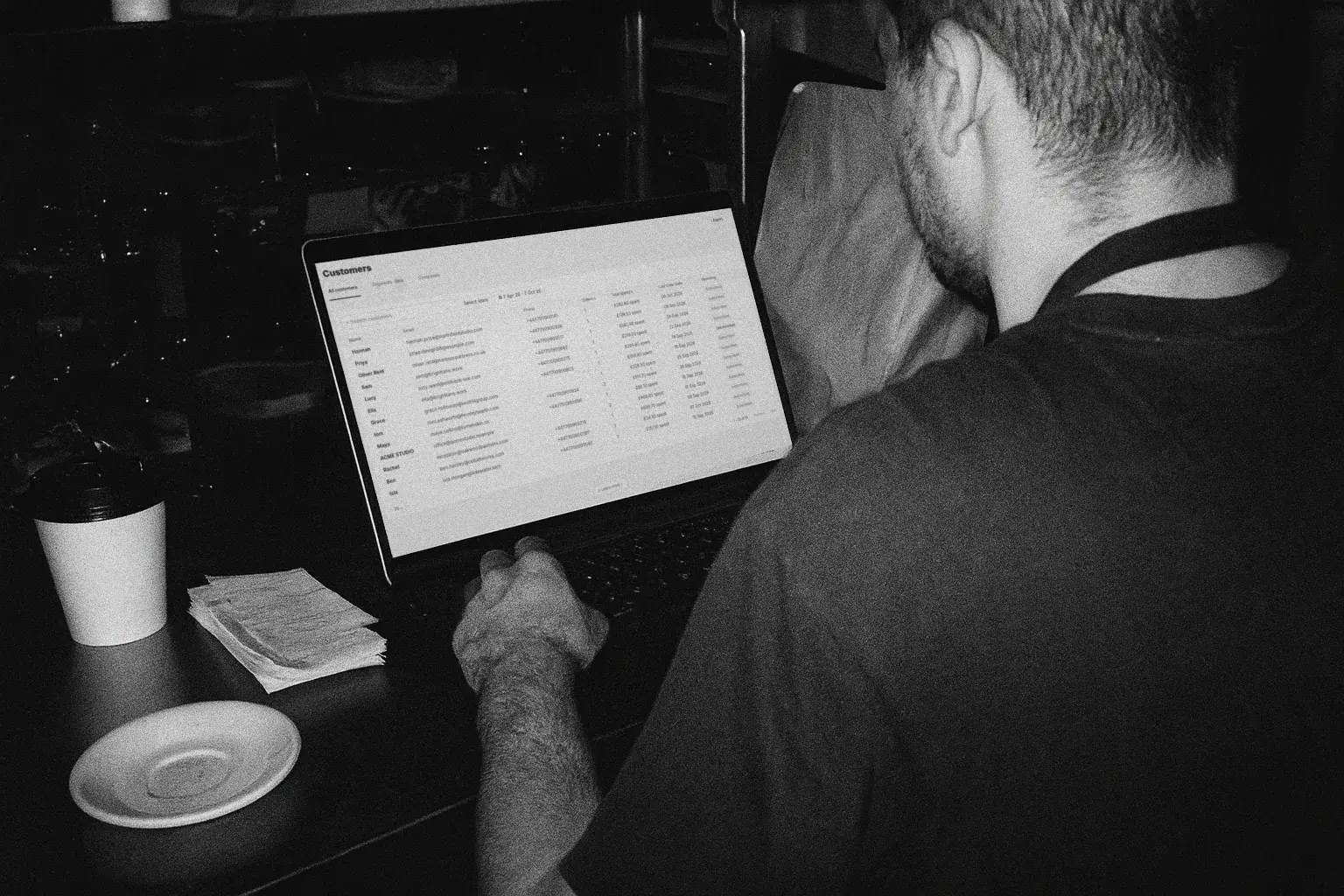
A marketplace order tells you nothing about who ate it. A direct order tells you who they are, what they spend and when they last came back.
Storekit keeps that record for you. This guide covers why it matters, what you can see, who to target, and how to convert them into the next order.
Why it matters
- Own the data. Marketplace guests belong to the app. Direct guests are yours: exportable, contactable, and still yours if you leave.
- Reward loyalty. Your best guests are already paying the bills. Thank them, and give them a reason to order more often.
- Win back the lapsed. Remind them how good the last order was. Target that group, rather than discounting every basket.
- Grow your business orders. For catering customers, the Companies view shows the organisations that already buy from you, so you can turn them into regular catering orders.
The data on every guest
Every guest who has ever ordered direct, in one table.
Open Customers in your dashboard
| Field | What it tells you |
|---|---|
| Name | Who ordered. |
| Email and phone | How to reach them. |
| Orders and spend | How often they order, and how much they're worth to you. |
| Last order | Whether they're a regular or going quiet. |
| Marketing opt-in | Whether you can contact them. Filter by it before every export. |
Search and filter by any field. Open a guest for their full order history, average order value and company name.
On catering, the Companies view groups those guests by the organisation they order for. It's only available to catering customers.Dashboard > Customers > Lists, then Companies
Who to target
Every campaign starts with a filter. Three groups cover most of what's worth doing.
| Group | How to find them | What to send |
|---|---|---|
| Regulars | Sort by orders or spend. | A thank you, early access to a new dish, or a free item on their next order. |
| Lapsed guests | Filter by last order, a month or more ago. | A reminder of what they ordered, with a single-use code and a short expiry. |
| Existing businesses | Catering customers only: the Companies view, sorted by orders. | Convert them into your catering channel, or incentivise their re-order with a code for the team. |
Only contact guests who have opted in to marketing.
Five steps to the re-order
- Capture them. Make your Storekit channels visible and give guests a reason to order direct the first time. Turn on marketing consent at checkout, and company name if you take catering orders.
- Filter to a group. Open Customers and filter to the guests you want to reach. On catering, use the Companies view to find the businesses.
- Export or sync. Download a CSV for any mailout tool, or sync the list to your CRM with one of our integrations.
- Make the offer. Create a code in
Marketing > Discountswith a minimum spend, per-guest limit and expiry, and send it. - Check redemptions and follow up. See which codes were used, then send the next offer to the guests who came back.
How to convert them
Create promotional codes for single or multiple use, with a minimum spend, a per-guest limit and an expiry date.Marketing > Discounts
| Discount | Works well for |
|---|---|
| % off | A simple, broad reason to come back. |
| Fixed £ off | Win-backs, paired with a minimum spend. |
| Item £ or % off | Pushing a new dish or a high-margin item. |
| Free delivery | Guests who usually order on the apps. |
| Free item | Rewarding regulars without cutting the basket. |
| Buy X get Y | Bigger baskets and group orders. |
Discounts don't have to mean money off. A free side or free delivery drives frequency just as well, and often costs you less. For businesses, a minimum spend sized for a team order moves them onto catering.
Still moving guests off the apps? How to turn delivery app customers into direct regulars.
Questions operators ask
Who owns the customer data on direct orders?
You do. Every direct order builds a guest record on your account that you can contact and export, and it stays yours if you leave.
Can I email every guest in my Customers list?
No. Only guests who opted in to marketing at checkout. Filter by marketing opt-in before you export or sync.
What is the Companies view?
It groups your guests by the organisation they order for, so you can see which businesses buy from you most. It's only available to catering customers, under Dashboard > Customers > Lists.
Which email tools does Storekit work with?
Storekit integrates with a large number of CRM providers. Or simply download a CSV and upload it into any mailout tool.
How do I stop a discount being overused?
Set it to single use, add a per-guest limit and a minimum spend, and give it an expiry date.
More from the blog
Guest photos and reviews
The useful part of UGC for a restaurant is mechanical: when to ask, what you are actually allowed to repost, and which format is worth the most.
Harry Soar · 23 August 2026 · 3 min read
Read post →
Choosing delivery apps
Work out whether a marketplace order makes you money before you argue about which one to join. The arithmetic, the marketing argument that usually is not one, and where a direct channel fits.
Harry Soar · 23 August 2026 · 5 min read
Read post →
Choosing an ordering system
True cost, data ownership, integrations, support, exit terms - the six checks that separate sound platforms from regret, learnt the hard way by 123,000 GloriaFood operators.
Harry Soar · 11 June 2026 · 2 min read
Read post →
Your guests.
Your next order.
Every direct order builds a guest record you own. Start free and the first one could be tonight.