
Industry POV
EPOS systems for restaurants: what they do and how to choose one
What an EPOS actually does, the four ways they charge you, and the questions worth asking before you sign. Written for operators buying their first system or replacing one that no longer fits.
 Harry Soar16 August 20223 min read
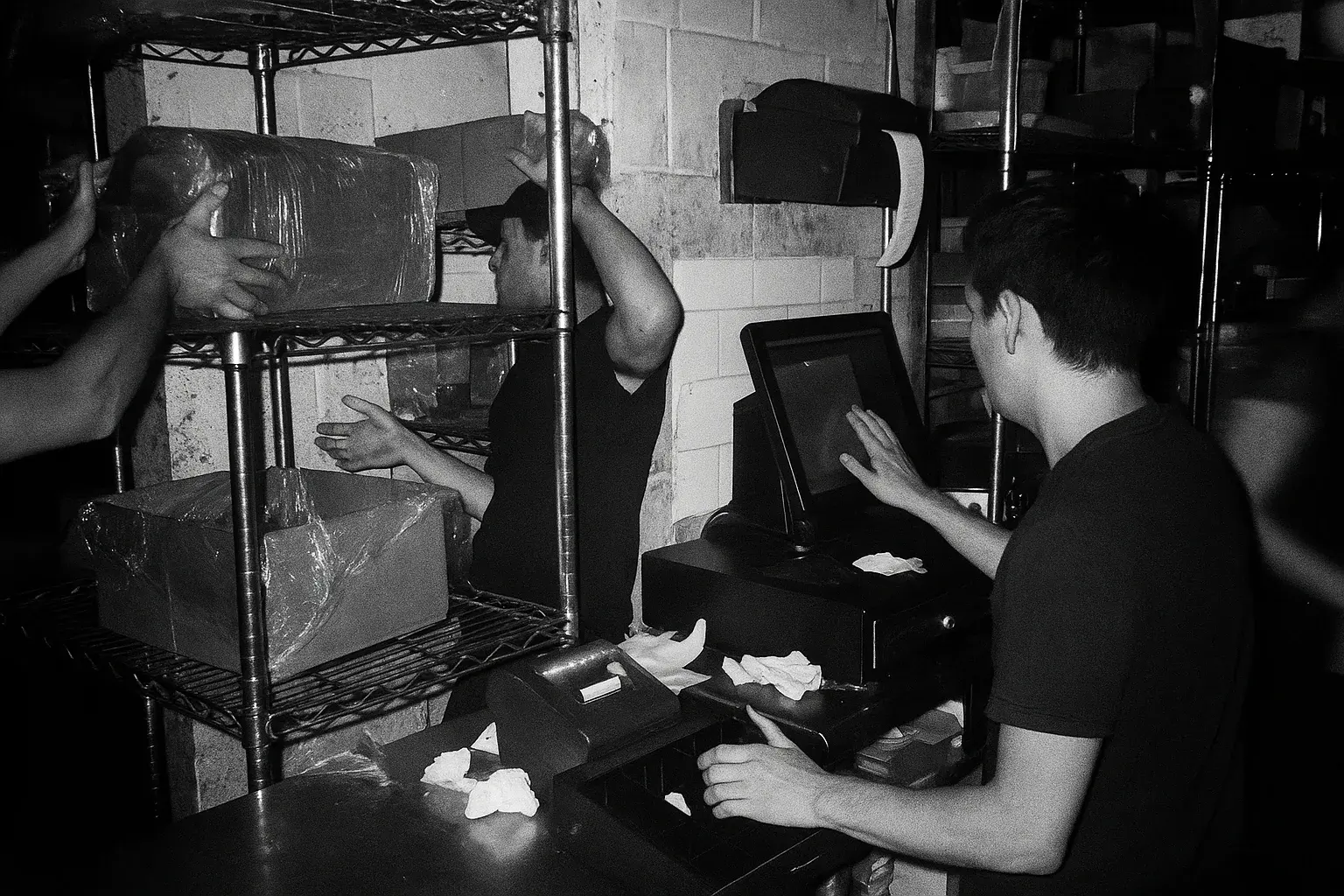
An EPOS system - electronic point of sale - is the till, the software behind it, and everything it talks to. It takes the order, takes the payment, tells the kitchen, and records what happened so you can read it back later. In a restaurant it is the one system every other system plugs into.
That last part is what separates a restaurant EPOS from a general retail till. A shop needs to sell an item and take the money. A restaurant needs to hold an open table, fire courses in order, split a bill six ways, take a delivery order from three different channels, and tell the kitchen all of it without anyone shouting.
What an EPOS system actually does
Five jobs, in the order they matter to service:
- Takes the order. At a till, on a handheld at the table, at a kiosk, or from a guest's own phone. The order lands in one place regardless of where it started.
- Takes the payment. Card present at the table, or online before the guest arrives. Splitting, tipping and refunds sit here.
- Tells the kitchen. A printed ticket or a kitchen display screen, with modifiers and allergens attached to the right line.
- Holds the menu. One menu, priced and available per location and per channel, so a sold-out item disappears everywhere at once.
- Records what happened. Sales by item, by hour, by location, by staff member, exportable to whoever does your books.
The four ways an EPOS charges you
Almost every quote is some mix of these, and comparing two systems means separating them out:
- Software, per till, per month. The recurring licence. Watch whether it is per till or per location, because a three-till restaurant pays three times on the first model.
- Hardware, up front or financed. Terminals, printers, cash drawers, handhelds. Financed hardware is a contract length in disguise.
- Card processing, per transaction. Usually a percentage plus a fixed pence amount. If the EPOS locks you to one acquirer, this is the number you cannot renegotiate later.
- Everything called an add-on. Online ordering, loyalty, an extra integration, the API. The base price is rarely the price.
Questions worth asking before you sign
These are the ones operators tell us they wish they had asked:
- How long is the contract, and what happens at the end? Three years is common. Automatic renewal is also common.
- Does it work offline? A restaurant with no internet still has guests. Ask what happens to card payments specifically.
- Who owns the data? Your menu, your sales history and your guest records. Ask how you export them, in what format, and whether it costs anything.
- What does it integrate with? Delivery channels, accounting, rotas, stock, loyalty. Ask for the list, then ask which of those are built by them and which are third party.
- Is online ordering included or resold? Many EPOS vendors resell someone else's ordering product with their logo on it, which is why the commission is higher than it looks.
Restaurants, takeaways and hospitality are not the same buy
The category is one word but the requirement is not:
- A sit-down restaurant needs table management, course firing, and a bill that splits without an argument.
- A takeaway needs order throughput and a kitchen that can read a ticket at the pass in a rush, plus every delivery channel landing in one queue.
- A multi-location group needs one menu pushed to every location, and reporting that compares them without a spreadsheet in the middle.
- A bar or pub needs speed above everything, and tabs that survive a shift change.
Where ordering fits
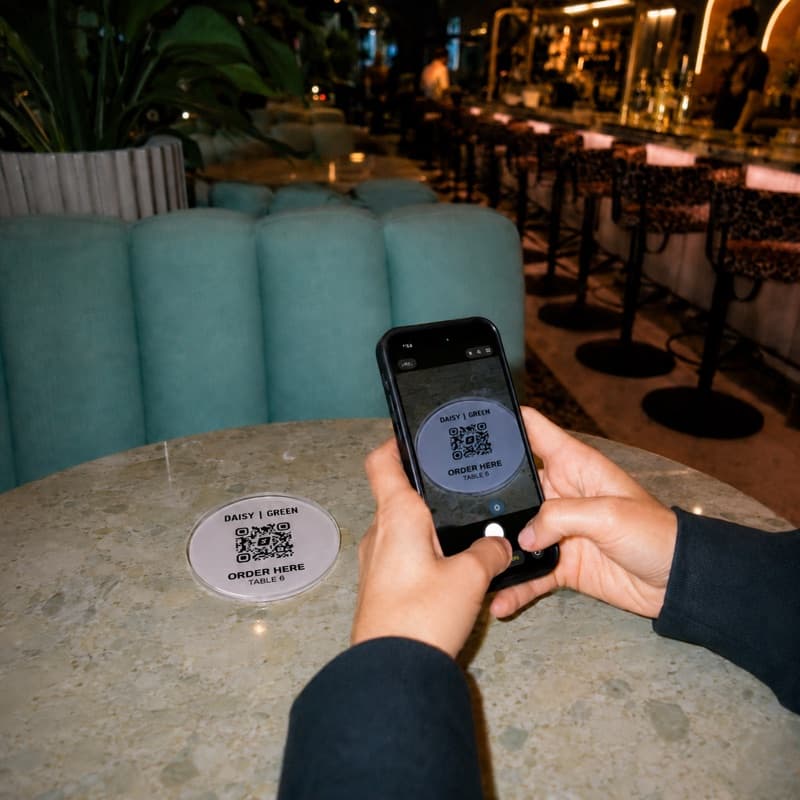
An EPOS is the system of record. Ordering is how the order reaches it, and the two are increasingly bought separately, because the channel mix changed faster than the till did. Direct ordering through QR order and pay, a kiosk, or your own takeaway storefront lands in the same place as a till order when the two are properly integrated.
Storekit works alongside your EPOS rather than replacing it - the integrations list is the honest version of what connects to what. If you are comparing specific systems, Square and Toast have their own breakdowns.
Questions operators ask
What is an EPOS system in a restaurant?
An EPOS - electronic point of sale - is the till, the software behind it, and the systems it connects to. It takes the order, takes the payment, sends the ticket to the kitchen, holds the menu, and records the sale for reporting.
How much does a restaurant EPOS system cost?
Cost comes in four parts: a monthly software licence, usually per till; hardware bought outright or financed; card processing charged per transaction; and add-ons such as online ordering or extra integrations. Compare the four separately, because the headline monthly price rarely includes all of them.
What is the difference between EPOS and POS?
None in practice. EPOS is the common term in the UK and Ireland, POS in the US. Both mean the point of sale system.
Does a restaurant EPOS work without internet?
Some do and some do not. Ask specifically what happens to card payments offline, as opposed to order taking, because the two often behave differently.
More from the blog
Switch off delivery apps on Google
You can now opt out of specific ordering providers straight from your Google Business Profile, without asking each app. Here's what changed and what to do this week.
Harry Soar · 28 October 2026 · 3 min read
Read post →
Choosing delivery apps
Work out whether a marketplace order makes you money before you argue about which one to join. The arithmetic, the marketing argument that usually is not one, and where a direct channel fits.
Harry Soar · 23 August 2026 · 5 min read
Read post →
Just Eat alternatives
Four different things get called a Just Eat alternative and they solve different problems. Which one you want depends on whether you are replacing the demand, the delivery, or the ordering.
Harry Soar · 23 August 2026 · 3 min read
Read post →
Ready to
move?
Free to set up, live the same day, and your guest list comes with you.