


Industry POV
Google now lets restaurants switch off delivery apps on their Business Profile
You can now opt out of specific ordering providers straight from your Google Business Profile, without asking each app. Here's what changed and what to do this week.
 Harry Soar28 October 20263 min read
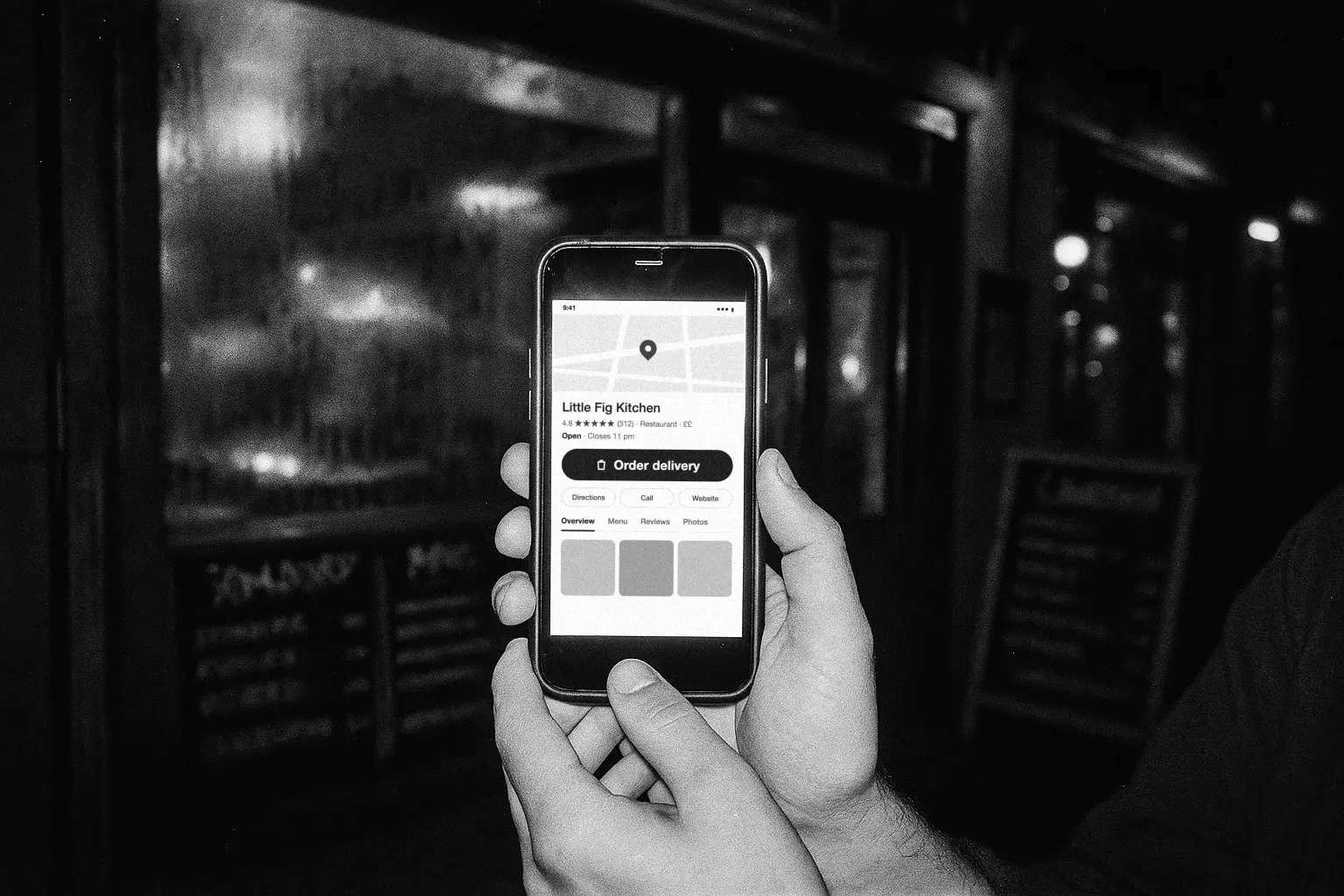
Google has handed restaurants direct control over which delivery apps appear on their Business Profile. If an app is on your profile and you don't want it there, you can now switch it off yourself.
Until now, Uber Eats, Deliveroo, Just Eat and others could add themselves under Order online, and getting them off meant chasing each app to disconnect its feed. That back-and-forth is gone.
What changed
Lisa Landsman, Head of Industry Engagement and SMB Success at Google, announced it on LinkedIn: restaurants can now manage and opt out of specific ordering providers on Search and Maps, straight from their Business Profile dashboard.
- Before: apps listed themselves, and removal meant a request to each one.
- Now: open the provider in your dashboard and opt out. No request, no waiting on the app.
Google says it's one of the most frequent requests it hears from operators. It's also one of the biggest commission leaks in the trade.
Why it matters
A guest who searches your name has already chosen you. If the order button sends them to a marketplace, you pay up to 30% for a customer you won yourself, and the app keeps their details.
AI assistants raise the stakes. Google's AI, ChatGPT and Gemini read your profile to find where to order. If the only links are marketplaces, that's where they send the order.
The search is free. The order should be too.
What to do this week
- Check Food ordering on your profile. See every provider listed against your restaurant. Some will be apps you never added.
- Add your own ordering link and set it as preferred for pickup and delivery, so it's the first option guests see.
- Opt out of the apps that don't earn their place. Open each provider and switch it off.
- Do it for every location. Each site has its own profile and its own list.
Tim's step-by-step guide walks through every screen: Google Business Profile ordering: put your own menu first.
Do you need to remove every app?
No. Google makes a fair point: some guests stick to the app where their card and subscription live. If an app brings you orders you wouldn't otherwise get, keep it.
Just don't let it sit first. Set your own menu as preferred, keep the apps that pay their way, and drop the rest. Use the per-provider controls rather than the switch that turns off all third-party ordering, so you know exactly what you've hidden.
Keep checking
Apps change, menus change and links break. Look at Food ordering once a month, make sure every link opens an accurate menu, and check your hours match.
Storekit connects to your profile through the Google Business Profile integration, so you can watch your listing and reply to reviews from one dashboard.
Frequently asked questions
Can I remove Uber Eats, Deliveroo or Just Eat from my Google Business Profile?
Yes. Opt out of each provider from your Business Profile dashboard. You no longer need to ask the app.
Does it end my contract with the app?
No. It only changes what shows on Google.
Should I remove every app?
Keep the ones that earn their commission. Set your own link as preferred either way.
Does it cost anything?
No. It's all free.
Ready to make your own menu the first option? Read Tim's guide or talk to us.
Questions operators ask
Can I remove Uber Eats, Deliveroo or Just Eat from my Google Business Profile?
Yes. Google now lets you manage and opt out of specific ordering providers directly from your Business Profile, instead of asking each delivery app to disconnect its feed.
Does removing an app from Google end my contract with it?
No. It only changes what shows on your Google profile. Your listing and contract with the app stay as they are.
Should I remove every delivery app?
Not necessarily. Keep the ones that earn their commission, but set your own ordering link as preferred so it's the first option guests and AI assistants see.
Can I turn off all third-party ordering at once?
Google has a switch that hides all third-party ordering on your profile. Check what it hides before you use it. Removing apps one by one, with your own link set as preferred, is the safer route.
Does it cost anything?
No. Your Business Profile, your ordering link and these controls are all free.
Mentioned in this post

More from the blog

Choosing delivery apps
Work out whether a marketplace order makes you money before you argue about which one to join. The arithmetic, the marketing argument that usually is not one, and where a direct channel fits.
Harry Soar · 23 August 2026 · 5 min read
Read post →

Just Eat alternatives
Four different things get called a Just Eat alternative and they solve different problems. Which one you want depends on whether you are replacing the demand, the delivery, or the ordering.
Harry Soar · 23 August 2026 · 3 min read
Read post →
EPOS for takeaways
The three systems most takeaways look at first came out of card readers, not kitchens. What that means in a rush, and what to compare before you commit.
Harry Soar · 23 August 2026 · 2 min read
Read post →
Ready to
move?
Free to set up, live the same day, and your guest list comes with you.