
Growth guide
Found on Google. Ordered on Storekit.
Guests and AI assistants search your name before they order. Make your own Storekit menu the preferred way to order, and remove the delivery app links.
 Tim Frostick7 October 20263 min read
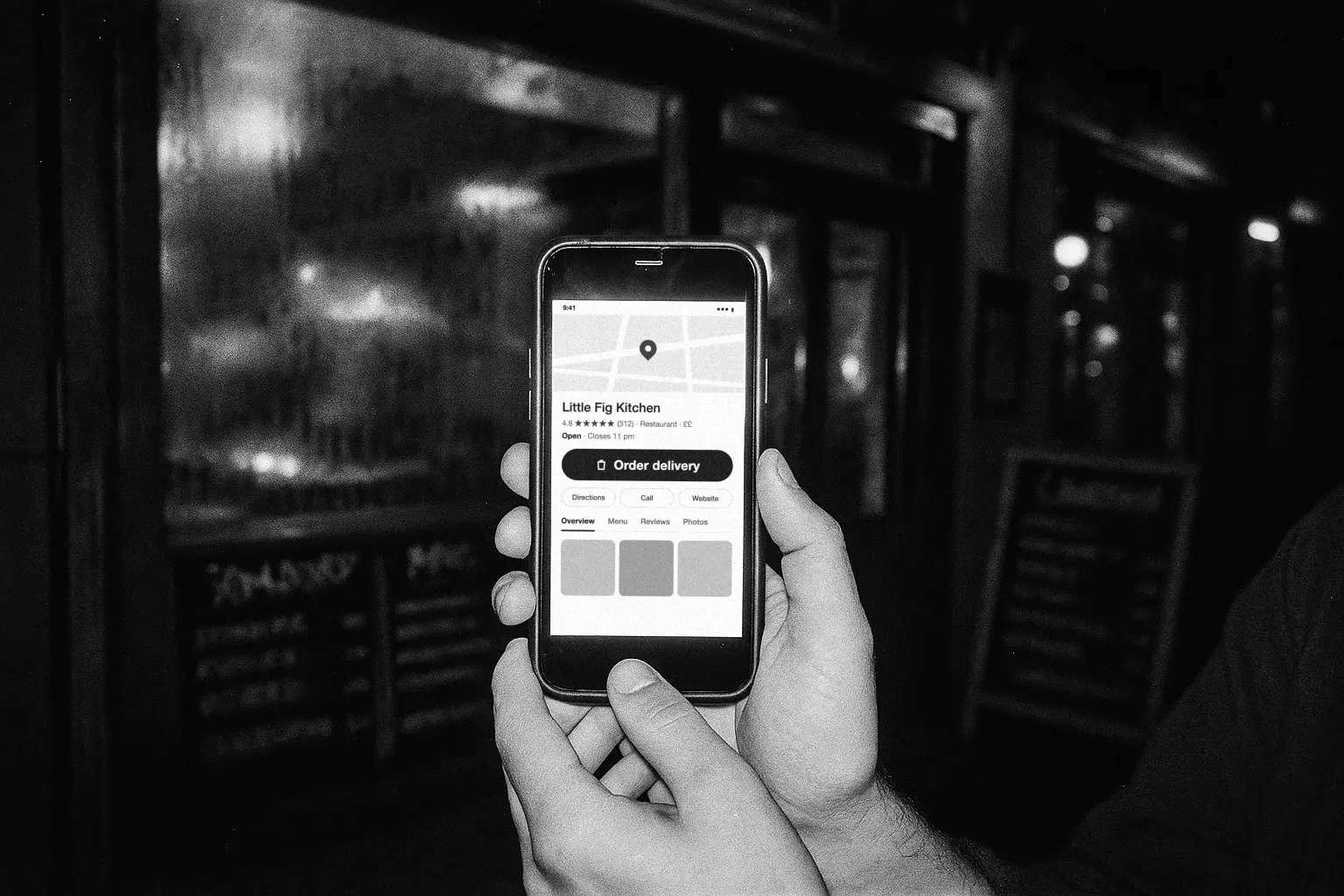
Guests search your name on Google, and more and more, so do AI assistants. Whatever sits behind your order button decides who takes the order.
Delivery apps add their own links to your Business Profile, often without asking. Leave them there and Google, and the assistants that read your profile, can send a guest who wanted you straight to a marketplace, at up to 30% commission.
Make your own branded Storekit menu the preferred option for delivery and collection, then remove the links you don't want. It takes a few minutes and costs nothing.
Why your own menu should come first
- Your brand, not a marketplace. Guests order from your menu, your prices and your photos, not a list beside your competitors.
- No marketplace commission. Orders from Google land in your Storekit store, not a marketplace basket.
- The guest record is yours. Every direct order builds a guest you can contact again. Your guests, your data shows what to do with it.
- AI assistants follow your lead. Google's AI and assistants like ChatGPT and Gemini read your profile to find where to order. One preferred link sends them to you, not an aggregator.
- One clear button. A single order button, instead of a row of competing apps.
Set your Storekit menu as preferred
If your profile is new, Google will ask you to verify it before the link goes live.
- Claim your profile. Go to google.com/business, search your restaurant name, then claim and verify it.
- Add your ordering link. Paste your Storekit store URL and save.
Edit profile > More > Order online links > Add link - Set Storekit as preferred. Select your Storekit link, then turn on Preferred for pickup and Preferred for delivery, and save.
Food ordering > Storekit > Set as preferred - Make Storekit your main link. Connect Google in Storekit and link each store to its Google location. You can then read and reply to reviews from the same place.
Feedback > Listing Health > Make StoreKit main link
Open Feedback in your dashboard
Full detail in the help centre: Google Business Profile.
Remove the marketplace links
The search is free. The order should be too.
Uber Eats, Deliveroo, Just Eat and other apps can appear under Order online on your profile even if you never added them. The apps add these links themselves. Storekit can't remove them for you, but you can.
- Open your profile. Search your business name on Google while signed in, or open it in Google Maps.
- Open Food ordering. It lists every provider linked to your profile.
- Remove each app. Select the provider, then Remove link. Repeat for every one you don't want.
Food ordering > [provider] > Remove link - Check back in five business days. Google asks the provider to remove the link within five business days. If it's still there, report it on Google's managing food ordering links page.
Removing a link from Google doesn't end your contract with the app. If you keep an app for its own audience, keep it on the app and leave Storekit as the preferred link on Google.
Full detail in the help centre: Remove third-party order links.
Keep the profile working
A claimed profile gets you listed. An active one gets you chosen.
- Match your hours. Google hours should match your Storekit hours. A mismatch costs orders.
- Add photos. Dishes, the shopfront, the room on a busy night. Update them when the menu changes.
- Ask, then reply. Encourage guests to leave a review, then reply to each one from your Feedback dashboard with Smart reviews.
- Check your links. Look at Food ordering every month. Apps can add their links back.
Running more than one site
Every site gets its own Google location and its own Storekit store. Claim each location, add that site's store URL, set it as preferred, remove the app links, then link the two in your dashboard.
Guests searching near Borough get the Borough link. Nobody orders from the wrong kitchen.
Getting ready for AI assistants? Agentic ordering for restaurants. Want more guests to find you in the first place? SEO for restaurants.
Questions operators ask
Does Google charge for this?
No. Your Business Profile and the ordering link are both free.
Why are delivery apps on my profile when I never added them?
The apps add their own links, and Google lists providers that say they work with your business. You can remove them from Food ordering on your profile.
Will removing a link cancel my contract with the app?
No. It only removes the link from Google. Your contract and your listing on the app stay as they are.
How long does it take to remove a link?
Google asks the provider to remove it within five business days. If it's still there after that, report it on Google's managing food ordering links page.
Why does this matter for AI search?
Google's AI and assistants like ChatGPT read your profile to find where to order. If the only links are marketplaces, the order goes there, with commission. A preferred Storekit link sends it to you.
I run more than one site. What changes?
One link per location. Claim each location on Google, add that site's Storekit store URL, set it as preferred and remove the app links, then link each Storekit store to its own Google location.
More from the blog
Click and collect
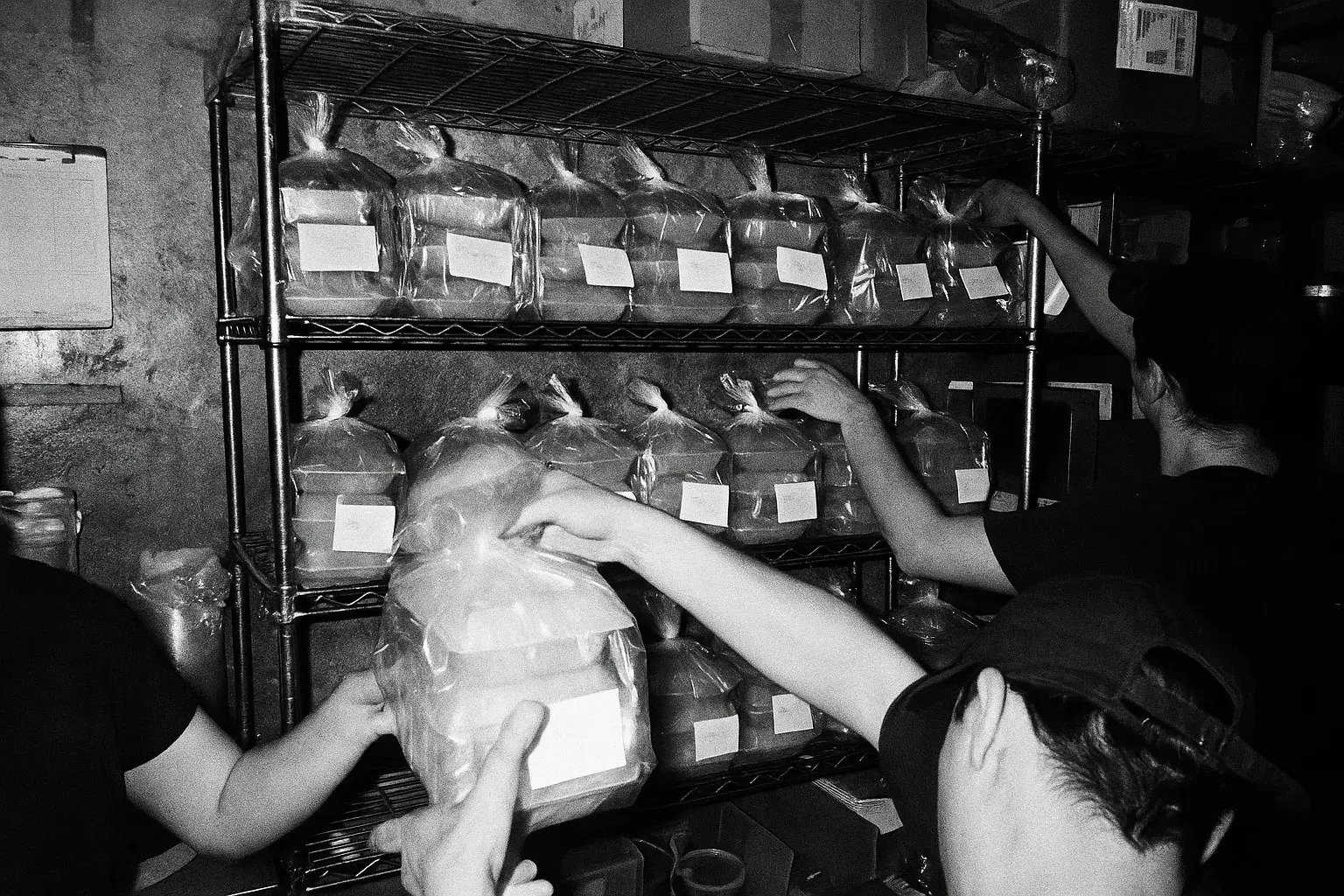
The four settings that decide whether collection works or falls apart: lead time, slot capacity, what you do with the packaging, and the handover at the counter.
Harry Soar · 23 August 2026 · 3 min read
Read post →
Choosing delivery apps
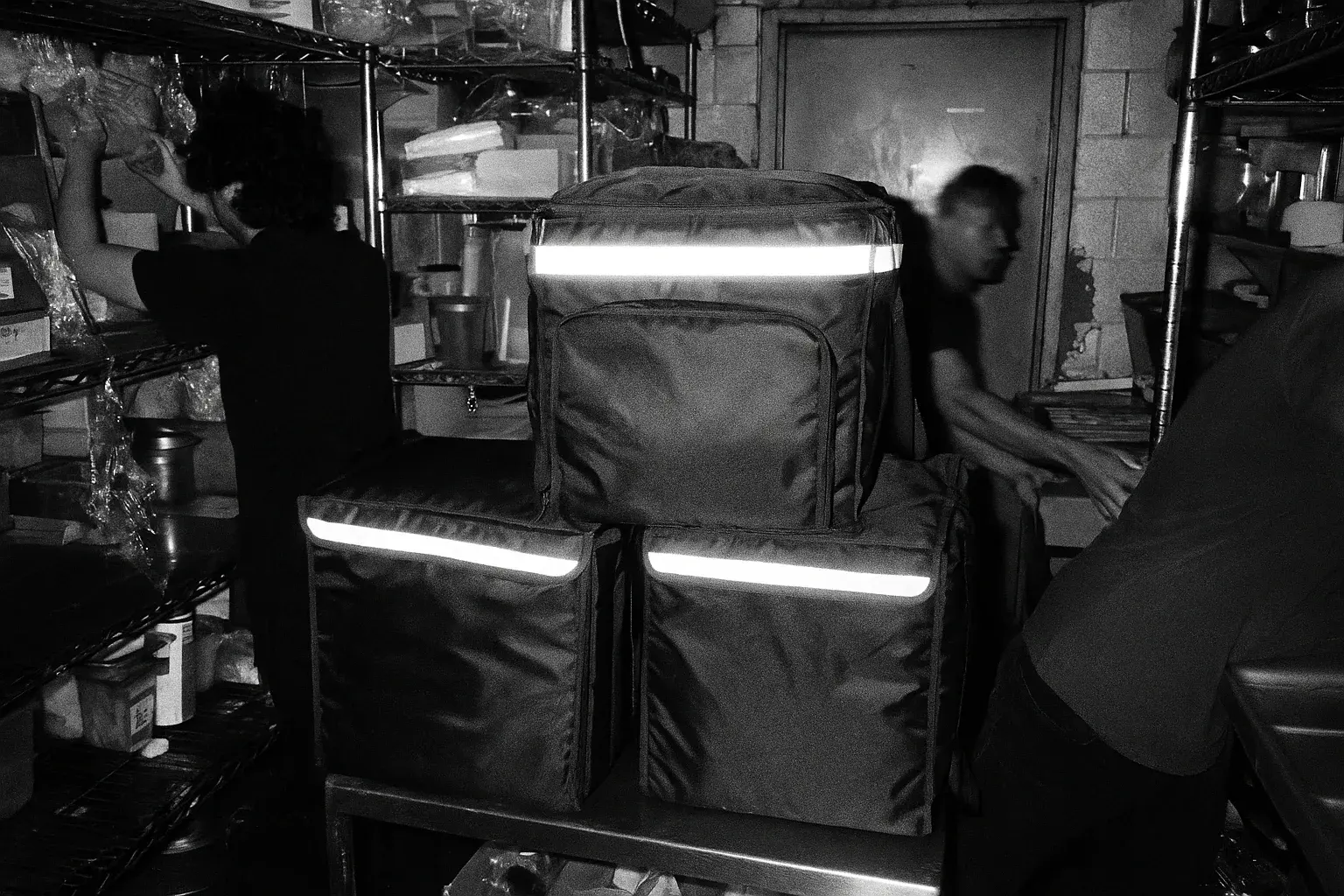
Work out whether a marketplace order makes you money before you argue about which one to join. The arithmetic, the marketing argument that usually is not one, and where a direct channel fits.
Harry Soar · 23 August 2026 · 5 min read
Read post →
Choosing an ordering system
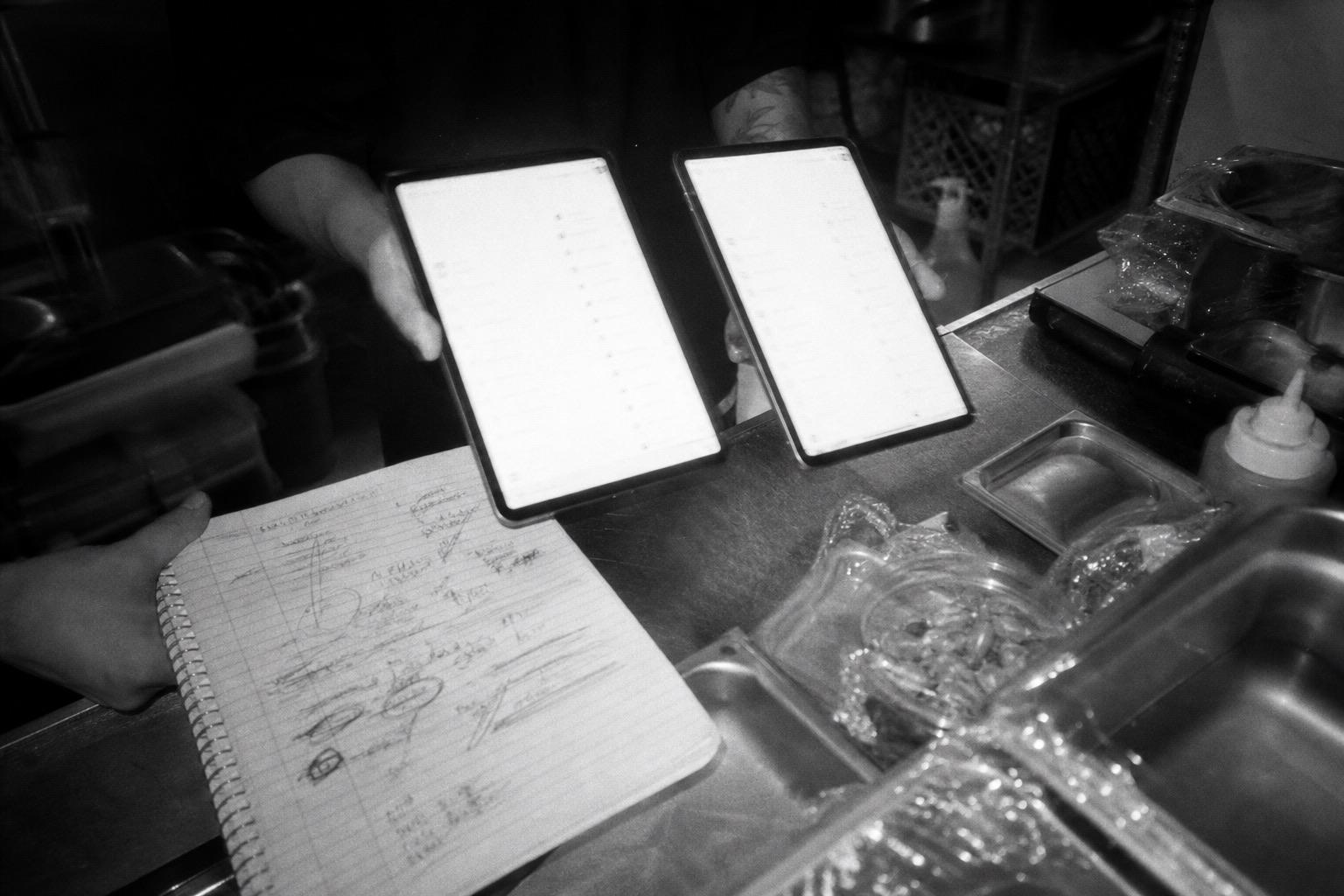
True cost, data ownership, integrations, support, exit terms - the six checks that separate sound platforms from regret, learnt the hard way by 123,000 GloriaFood operators.
Harry Soar · 11 June 2026 · 2 min read
Read post →
Own the order.
Start on Google.
Free to set up, live the same day, and an ex-operator on the other end of the line.