
Setup guide
Uber Direct for restaurants: setup, pricing and delivery zones
Delivery that's still yours. Uber's couriers on your own orders, without marketplace commission, and the customer journey stays with you.
 Tim Frostick30 September 20262 min read
Replicate the delivery app experience, without the marketplace commission, and with full ownership of the customer journey.
What is Uber Direct?
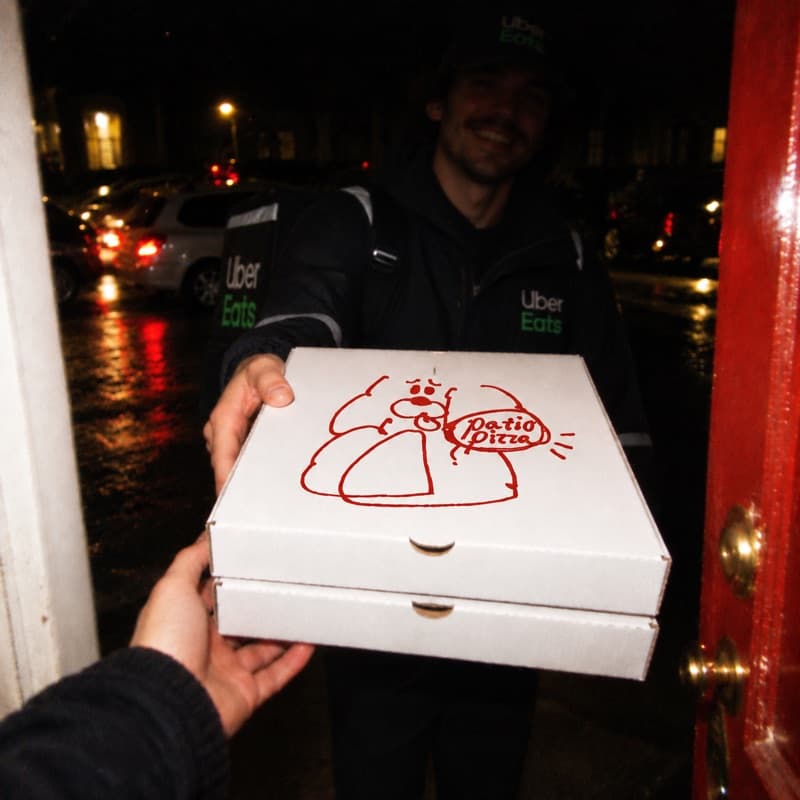
Uber Direct is Uber's white-label courier service. It delivers orders from your own channels, not the Uber Eats marketplace.
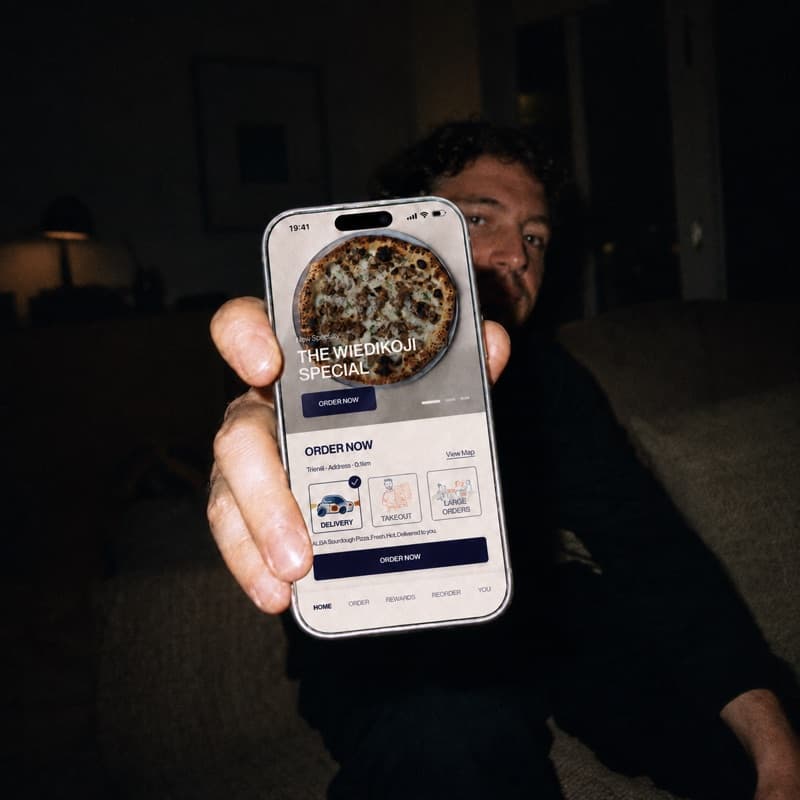
Guests order on your Storekit store and track the rest in real time:
- You accept the order
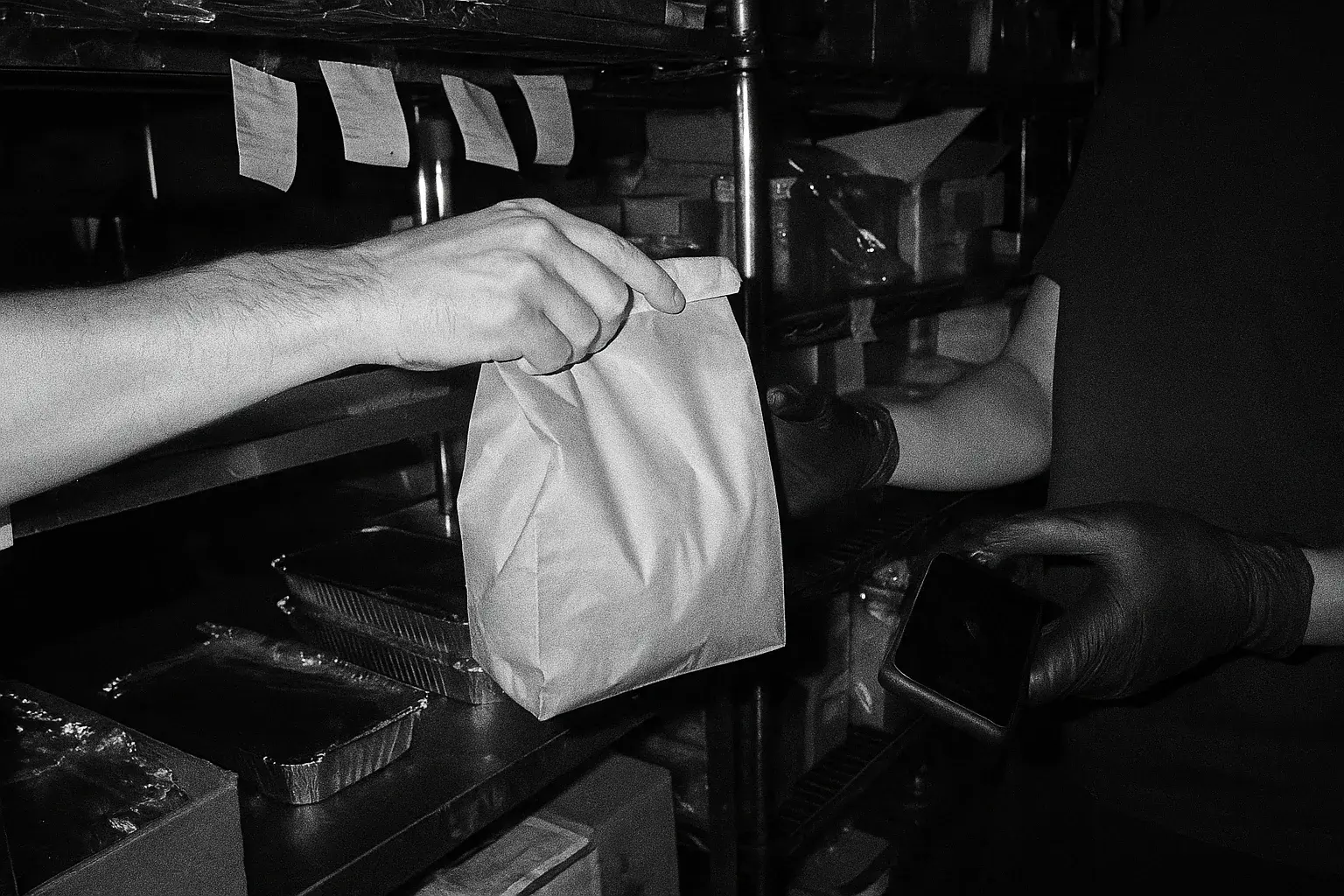
- An Uber courier is dispatched to you
- The order is collected
- The order is delivered
| Benefit | What it means |
|---|---|
| Fast, high-quality delivery | 30 minute average delivery time |
| Direct access to Uber's courier network | 99% order completion rate |
| Reach guests wherever they are | Covers 90%+ of the UK |
| Live delivery tracking | Visible to guests on your Storekit page |
How to set up Uber Direct on Storekit
Go to Stores > Settings > Integrations > Uber Direct. The Uber Direct help centre article has the full reference.
- Check your delivery zones. See pricing and delivery zones below.
- Set your credentials. Credential pool: UK Standard. Environment: Production. Then click Connect to Uber Direct.
- Create your organisation. Under Organisation, complete every field and create it. This sends you an email invite.
- Multi-site billing. Enter the Uber Direct ID in Venue Settings (see step 5). Leave Enable Uber Direct unticked until step 5 is complete.
- Complete your Uber setup. Open the email from no-reply@uber.com and click Set Up. Complete your billing and tax details. For billing across several sites, take the customer ID from the Developer tab.
- Switch it on in Storekit. Toggle Uber Direct on, then toggle Delivery Service on in Operations Settings.
- Test it with a live order.
Uber Direct pricing and delivery zones
Uber Direct charges by journey distance: £4.90 for the first mile, plus £0.625 per additional half mile.
Your Storekit delivery zones control what the customer pays. Every zone can have its own delivery fee, minimum order value and free delivery threshold.Stores > Settings > Delivery Zones
Incentivised delivery pricing
Covering part of the delivery cost encourages customers to order. A free delivery threshold gets them to spend more, and to come back. You still pay no marketplace commission, and you keep all the data.
When you connect Uber Direct, your Storekit delivery zones are set to the pricing below. Fees, minimum spend and free delivery thresholds rise with driving distance, with a maximum cost to you of 12%.
| Distance | Uber fee | Guest pays | You pay | Min. spend | Free over |
|---|---|---|---|---|---|
| 0-1 mile | £4.90 | £2.79 | £2.11 | £17.50 | £40 |
| 1-2 miles | £6.15 | £3.79 | £2.36 | £20 | £50 |
| 2-3 miles | £7.40 | £4.29 | £3.11 | £25 | £60 |
| 3-5 miles | £9.90 | £4.99 | £4.91 | £40 | £80 |
Moving regulars off the apps as well? How to turn delivery app customers into direct regulars.
Order statuses
| What's happening | Status shown |
|---|---|
| Courier travelling to the guest | Out for delivery |
| Delivery completed | Delivered |
| No driver, cancelled or returned | Accepted |
Key contacts
- Uber Direct, general: uberdirect@uber.com
- Uber Direct, billing: direct-billing-support@uber.com
- Storekit support: support@storekit.com
Questions operators ask
Where is Uber Direct available?
The UK, Ireland and Switzerland, for now.
How much does Uber Direct cost?
£4.90 for the first mile, plus £0.625 per additional half mile of driving distance. Your delivery zones decide how much of that the customer pays and how much you cover.
How am I billed for Uber Direct?
Uber bills your organisation directly per delivery. It is not on your Storekit invoice.
Which orders use Uber Direct?
Delivery orders only. Pickup and dine-in are unaffected.
How do I test Uber Direct?
Place a small test delivery order before going live.
What happens if no courier is found?
You're notified so you can deliver the order yourself or refund it. Check the order status and escalate to Uber, or contact Storekit support with the order number if you need a hand.
Why was an order paid but no delivery created?
Your Uber billing setup is incomplete. Finish the billing and tax details from the Uber email.
Why did a delivery cost more than the customer was charged?
Your Storekit zone fees don't match Uber's distance pricing. Review your delivery zones.
What if the order status is not updating?
Contact Storekit support with the order reference number.
More from the blog
Choosing delivery apps
Work out whether a marketplace order makes you money before you argue about which one to join. The arithmetic, the marketing argument that usually is not one, and where a direct channel fits.
Harry Soar · 23 August 2026 · 5 min read
Read post →
Seven delivery problems
Commission drag, courier no-shows, cold food, a menu that has to behave differently on every channel. The recurring failures in delivery operations, and where each one actually gets fixed.
Harry Soar · 23 August 2026 · 5 min read
Read post →
Just Eat alternatives
Four different things get called a Just Eat alternative and they solve different problems. Which one you want depends on whether you are replacing the demand, the delivery, or the ordering.
Harry Soar · 23 August 2026 · 3 min read
Read post →
Switch on
Uber Direct
Connect it from your dashboard and your delivery zones are priced for you.