
Prerequisites
- An active PointOne account with API access
- From your PointOne account manager: an API Key, the Site ID of the site this store maps to, and your Organisation ID
- The PointOne integration enabled on your storekit account
If PointOne does not appear in your Integrations list, the integration isn’t enabled for your account yet — contact storekit support.
Connect Your Site
1
Open the PointOne integration
Go to Stores → your store → Settings → Integrations, then select PointOne.
2
Enter your credentials
Fill in API Key, Site ID and Organisation ID. All three are required — the page shows This field is required under any you leave empty.
3
Save
Click Save. The credentials are stored against the store but nothing is sent to PointOne yet.
4
Turn the integration on
Switch Integration Status on. The label changes from Disabled - not sending orders to PointOne to Enabled - sending orders to PointOne, and PointOne becomes the store’s POS provider. Click Save again.
5
Import your menu
Click Sync Menu to pull your PointOne menu into storekit — see Menu Sync.
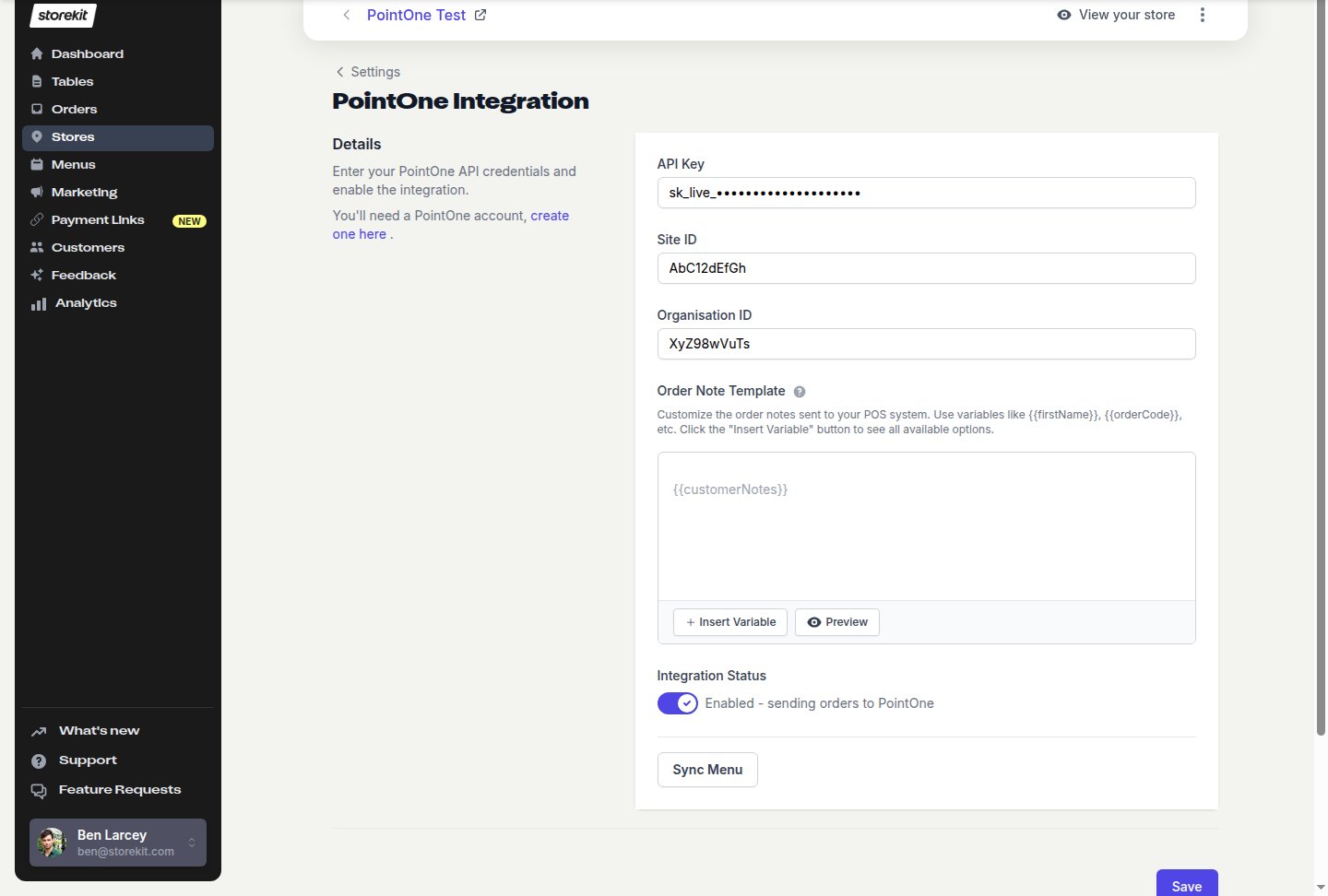
The PointOne settings page with the integration enabled
Each storekit store connects to a single PointOne site. Multi-site operators connect each store separately with that site’s own Site ID.
Settings on This Page
Switching PointOne Off
Turn Integration Status off and click Save. storekit stops sending orders to PointOne and clears the store’s POS provider; your menu and credentials stay in place so you can switch it back on later.Next Steps
Menu Sync
Import your PointOne menu into storekit
Orders
What storekit sends to PointOne and what happens when it fails