7 Mistakes Multi-Site Restaurant Groups Make With QR Ordering (And How to Fix Them)


QR ordering is no longer experimental. For multi-site restaurant groups, it's infrastructure.
But most implementations fail because they treat it like a tactical feature rather than a strategic guest experience layer. The result? Inconsistent branding, fragmented data, high cart abandonment, and operations teams manually reconciling orders across disconnected systems.
The cost isn't just the price of the software. It's the lost AOV, the diluted brand equity, and the inability to build a unified guest identity across locations.
Here are the seven most expensive mistakes multi-site groups make with QR ordering: and how to fix them before they compound.
1. Generic, Unbranded Ordering Experiences
The Mistake:
Most QR systems default to a white-label template that looks identical across every restaurant using the platform. Your brand disappears the moment a guest scans the code.
For single-site operators, this might be acceptable. For multi-site groups, it's a strategic error. You've spent years building brand recognition, tone of voice, and visual identity: only to hand the entire digital experience to a generic checkout flow that could belong to anyone.
Why It Matters:
Guests don't distinguish between "the restaurant" and "the ordering system." If the digital experience feels cheap or unfamiliar, it erodes trust in the brand itself. This is particularly damaging for premium concepts or brands expanding into new markets where digital ordering is the first impression.
The Fix:
Implement a branded QR code ordering system that mirrors your core brand assets: colours, typography, logo placement, and menu photography. The ordering interface should feel like a natural extension of your physical space, not a third-party bolt-on.
For multi-site groups, this means centralised brand controls with local flexibility where necessary (e.g., location-specific offers or menu variations).
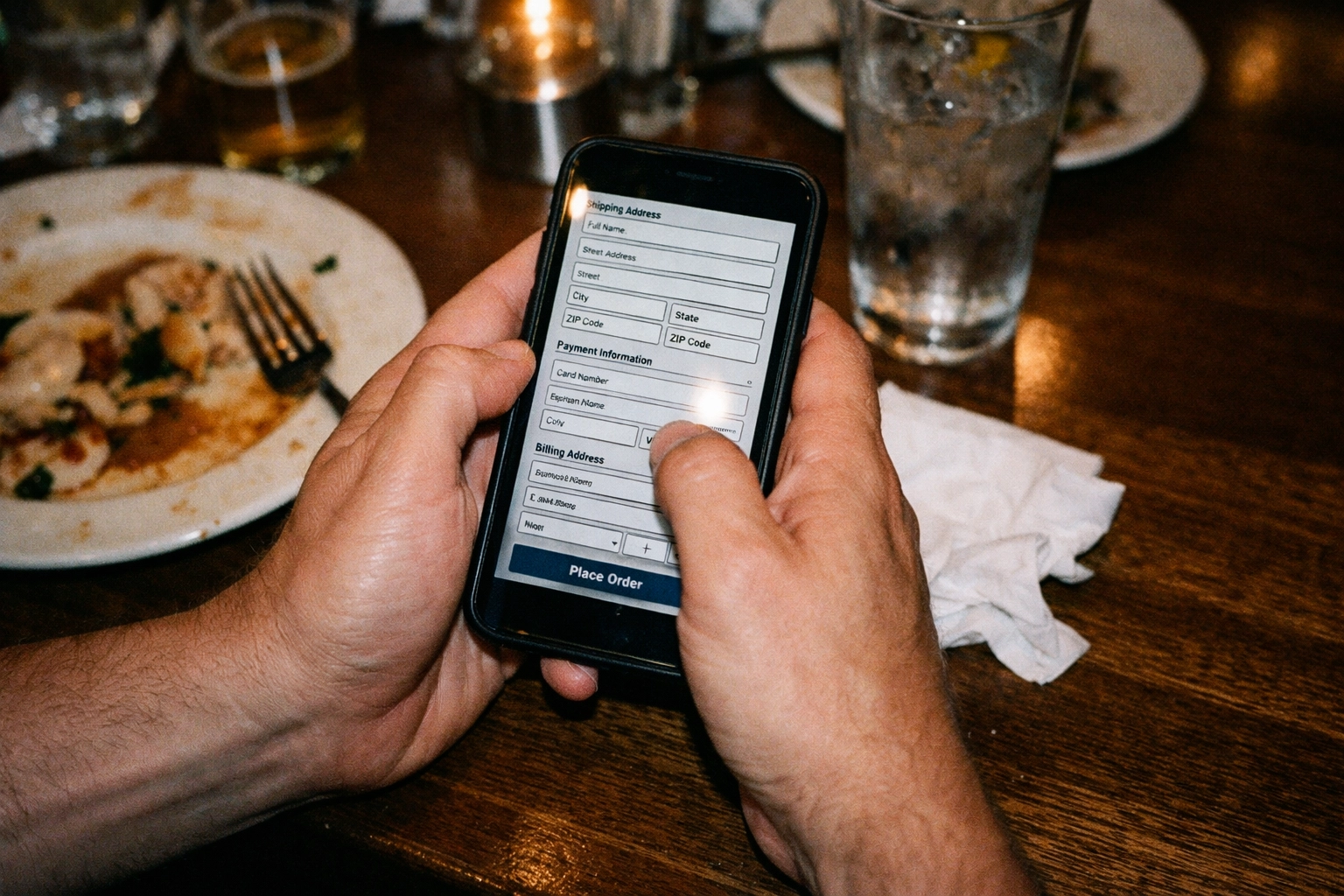
2. High-Friction Checkout Flows
The Mistake:
Forcing guests to create an account, enter excessive personal information, or navigate a seven-step checkout process before they can order a coffee.
Friction kills conversion. For every additional field or screen, you lose a percentage of orders. Multi-site groups often inherit these flows from legacy systems designed for delivery marketplaces, not in-venue ordering.
Why It Matters:
The economics are brutal. If your cart abandonment rate is 30% and your average site does 200 QR orders per day at £15 AOV, you're losing approximately £315,000 annually per location. Across a 10-site group, that's £3.15 million in unrealised revenue.
The Fix:
Optimise for guest checkout. Allow orders without mandatory account creation. Pre-fill table numbers where possible. Reduce form fields to the absolute minimum required for fulfilment.
QR Order & Pay functionality should integrate seamlessly: guests scan, order, and settle the bill in one flow without switching contexts or waiting for a card machine.
The best systems allow optional account creation after the first order, capturing loyalty data without sacrificing conversion.
3. No Integration With Your Existing Tech Stack
The Mistake:
Treating QR ordering as a standalone product rather than a connected layer within your broader tech ecosystem.
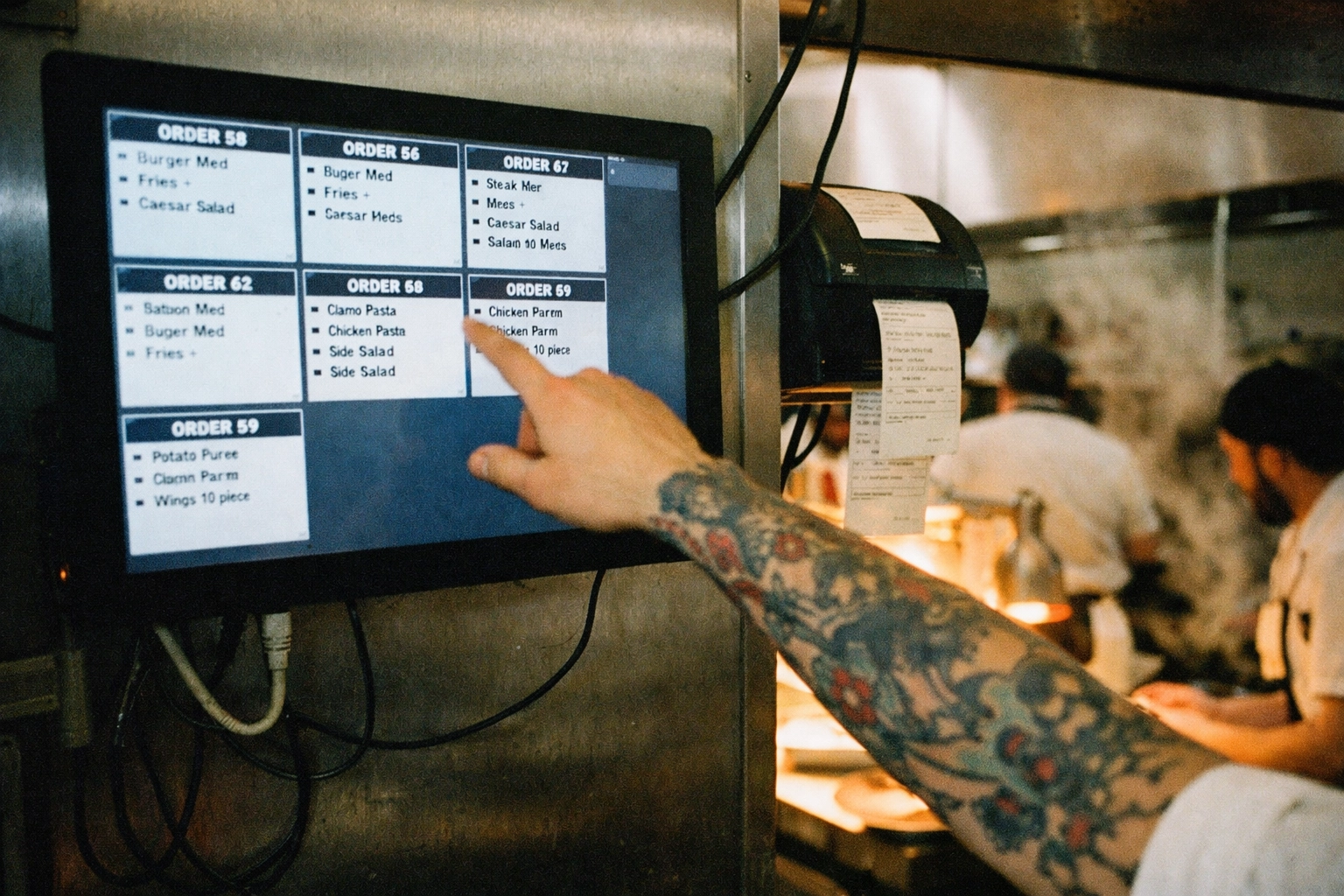
If your QR system doesn't integrate with your POS, kitchen display system, inventory management, or loyalty platform, you're creating operational silos. Orders don't flow cleanly to the kitchen. Stock levels aren't updated in real time. Guest data sits trapped in a separate database.
Why It Matters:
Manual reconciliation doesn't scale. Your operations team ends up re-keying orders, troubleshooting payment mismatches, or running separate reports for digital vs. in-person transactions.
For multi-site groups, this compounds. You lose the ability to aggregate performance data, benchmark locations, or deploy group-wide menu changes efficiently.
The Fix:
Choose a system built for integration. Storekit connects directly with major POS platforms like Zonal, Square and Toast, ensuring orders flow through your existing workflows without duplication or data loss.
Guest data should be unified across channels: dine-in QR, pay at table, and any direct ordering: so you can build a single view of each customer across all your sites.
4. Inconsistent QR Code Placement and Quality
The Mistake:
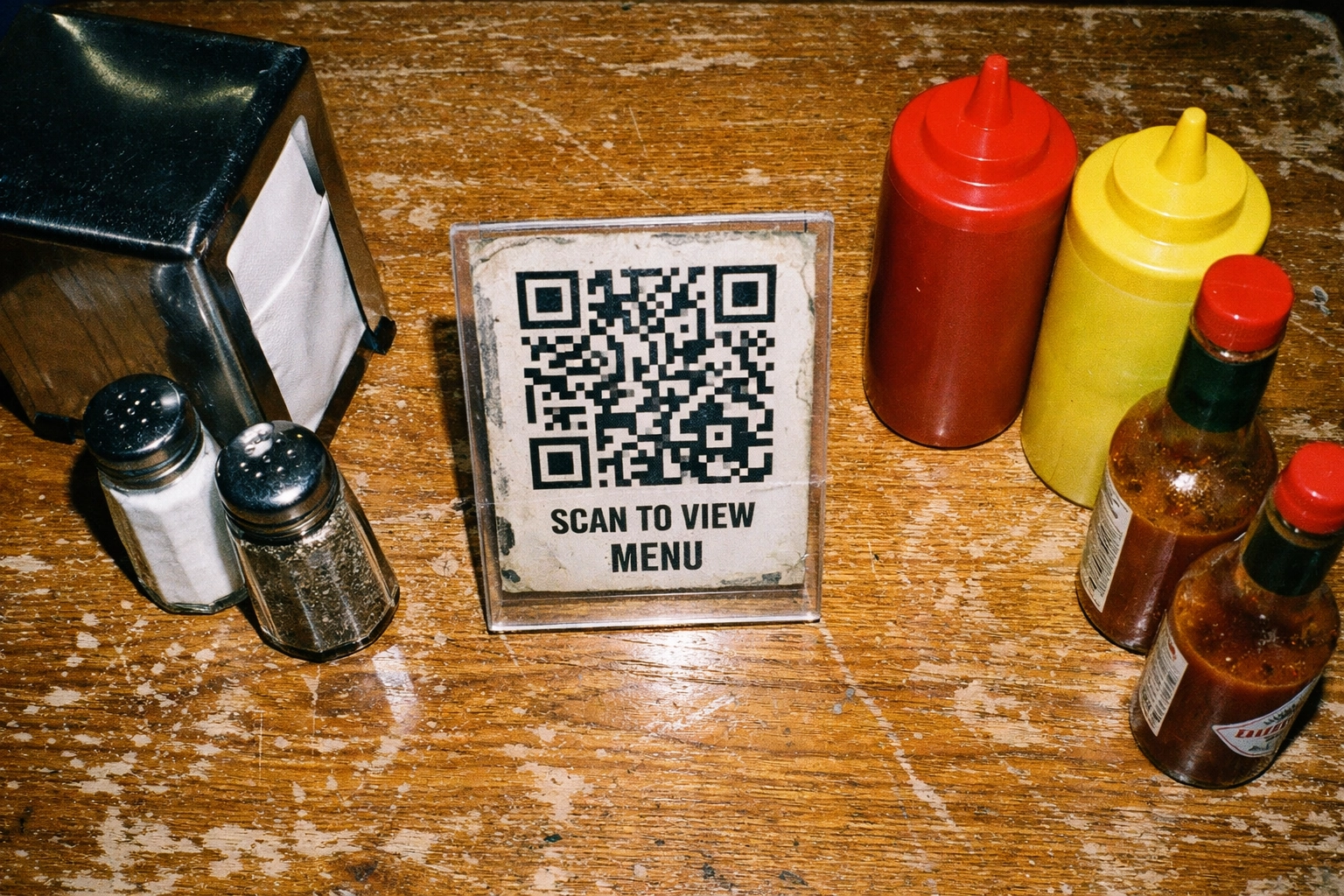
Leaving QR code implementation to individual site managers without clear standards. Some locations tape printed codes to tables. Others use standing frames. A few forget to display them at all.
The result is a fragmented guest experience where ordering ease depends on which site they visit.
Why It Matters:
Inconsistent placement signals operational weakness. It suggests your group doesn't have central control over core guest touch-points: a red flag for brand integrity and scalability.
It also creates uneven adoption. High-performing sites might see 80-90% QR penetration. Low-performing sites struggle to reach 10%. The system never achieves the volume required to justify the operational investment.
The Fix:
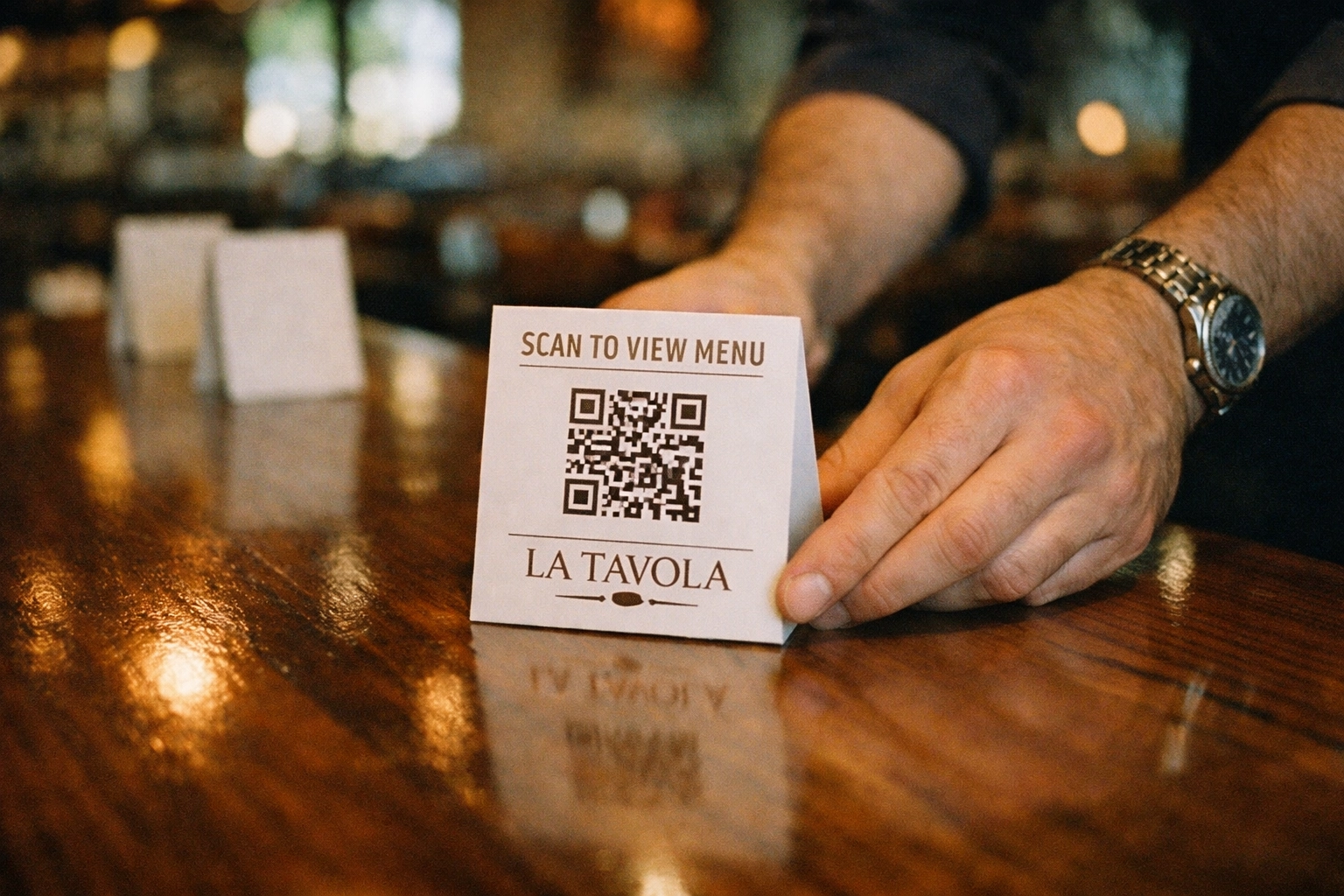
Standardise QR code placement across all locations. Define clear guidelines:
- Table placement: Fixed stands or laminated table toppers (not loose printed sheets)
- Code quality: High-resolution, tested across multiple devices
- Clear labelling: "Scan to Order" or "Order & Pay Here" in your brand typeface
- Backup visibility: Codes at the bar, entrance, or on menus for guests who miss the table placement
Centralise design and production. Ship physical assets to sites rather than relying on local printing. This ensures quality control and brand consistency.
5. Weak WiFi Infrastructure
The Mistake:
Assuming guests will use mobile data to place QR orders, or underestimating the bandwidth required to support 50+ simultaneous users during peak service.
If your WiFi drops during lunch, guests abandon orders. If the connection is slow, they revert to asking servers for help: negating the entire efficiency gain.
Why It Matters:
QR ordering is only as reliable as the network supporting it. For multi-site groups, this is an infrastructure investment, not a software decision. Weak WiFi doesn't just hurt QR adoption: it damages your brand perception.
Guests don't think "the WiFi is bad." They think "this restaurant is disorganised."
The Fix:
Audit network infrastructure at every site before rolling out QR ordering. Ensure:
- Guest WiFi is separate from back-of-house systems (so kitchen printers don't compete with guest devices)
- Bandwidth can support peak traffic (assume 30–50% of covers will order digitally during busy periods)
- Dead zones are eliminated (particularly outdoor seating or basement areas)
For groups with older sites, this may require investment in mesh networking or upgraded routers. It's not optional.
6. No Offline Alternatives
The Mistake:
Removing physical menus entirely and forcing guests to use QR ordering: even when connectivity fails or guests are uncomfortable with the technology.
This alienates older demographics, international visitors unfamiliar with QR systems, and anyone experiencing technical issues.
Why It Matters:
Accessibility isn't just ethical: it's commercial. A portion of your audience will always prefer traditional service. If you don't accommodate them, they leave.
For multi-site groups, this creates training gaps. Servers stop learning menu details because "everything's on the QR." When the system fails, no one can answer questions or take orders manually.
The Fix:
Maintain physical menu backups at every location. Train staff to recognise when a guest needs assistance and offer manual ordering without making them feel like they've failed.
QR ordering should enhance guest choice, not replace it. The goal is operational efficiency, not guest exclusion.
7. Inadequate Testing Before Group-Wide Rollout
The Mistake:
Testing QR ordering at one flagship site, assuming it works, then deploying across 20 locations simultaneously: only to discover broken integrations, menu errors, or payment failures at scale.
Multi-site groups underestimate the variability between locations: different POS versions, inconsistent menu structures, varying payment terminal setups.
Why It Matters:
A failed rollout damages staff confidence and guest trust. If the system crashes during the first weekend, your teams will revert to manual processes and resist future digital initiatives.
It also creates a support nightmare. Your operations team fields dozens of calls from confused site managers while trying to troubleshoot issues remotely.
The Fix:
Pilot at 2–3 representative sites before scaling. Choose locations with different characteristics:
- High volume vs. low volume
- Urban vs. suburban
- Different POS configurations or kitchen setups
Run the pilot for at least two full weeks. Test edge cases: split bills, dietary modifications, refunds, peak-hour load, offline scenarios.
Document every issue. Build training materials based on real operator questions. Only roll out group-wide once you've achieved stable operations at the pilot sites.
Storekit's modular approach allows phased rollouts: starting with dine-in QR, then adding pay at table functionality once ordering adoption stabilises.
The Commercial Case for Getting It Right
When implemented correctly, a branded QR code ordering system for mid-market restaurants delivers measurable outcomes:
- 12–18% increase in AOV (digital menus drive upsells better than servers during busy periods)
- 20–30% reduction in order errors (guests input their own preferences, eliminating miscommunication)
- Unified guest data across all locations, enabling personalised marketing and retention strategies
- Faster table turns (guests don't wait for the bill: they pay and leave when ready)
But these outcomes require strategic implementation, not just software deployment.
Multi-site groups that treat QR ordering as infrastructure: integrated with their POS, consistent across locations, and supported by reliable network and training: see returns within the first quarter.
Those that treat it as a cost-saving shortcut end up with fragmented systems, frustrated staff, and missed revenue.
FAQ
What's the difference between a branded QR ordering system and a white-label solution?
A branded system maintains your visual identity, tone of voice, and menu structure throughout the entire ordering flow. A white-label solution uses generic templates that look the same regardless of which restaurant the guest is ordering from. For multi-site groups, branded systems protect brand equity and improve conversion.
How long does it take to roll out QR ordering across a multi-site restaurant group?
With proper preparation, a phased rollout typically takes 6–12 weeks: 2 weeks for pilot testing at 2–3 sites, 2–4 weeks to refine based on feedback, then staggered deployment across remaining locations. Rushing this process increases failure risk.
Do we need to replace our POS to implement QR ordering?
No. Modern QR systems integrate with your existing POS via API. Storekit connects with major platforms like Zonal, Square, Toast, Lightspeed, and more, so orders flow directly into your current workflows without requiring a full system replacement.
What happens if the WiFi fails during service?
Always maintain physical menu backups and train staff to take manual orders. The best systems allow offline mode for basic functionality, but this shouldn't be your primary plan. Reliable network infrastructure is essential for consistent QR ordering performance.
How do we measure success after implementing QR ordering?
Track: QR adoption rate (percentage of covers using digital ordering), average order value (QR vs. traditional), cart abandonment rate, order accuracy, table turn time, and staff satisfaction. For multi-site groups, benchmark these metrics across locations to identify best practices and underperforming sites.
Stop Treating Digital Ordering Like a Feature
QR ordering isn't a pandemic holdover or a cost-cutting tactic. For multi-site restaurant groups, it's a guest experience layer that: when implemented strategically: drives revenue, captures data, and creates operational leverage.
But only if you avoid the seven mistakes that turn it into a liability.
If your current system forces guests through generic checkouts, doesn't integrate with your POS, or operates inconsistently across locations, you're not optimising for guest experience. You're just digitising inefficiency.
Storekit's modular suite is built for multi-site groups that understand the difference. Learn more at storekit.com.
We don't just make the world's best online ordering system