
Growth guide
Your dashboard, uncovered.
Nine tabs, one place to run the business. What each part of your Storekit dashboard is for, and what you'll find there.
 Tim Frostick7 October 20262 min read
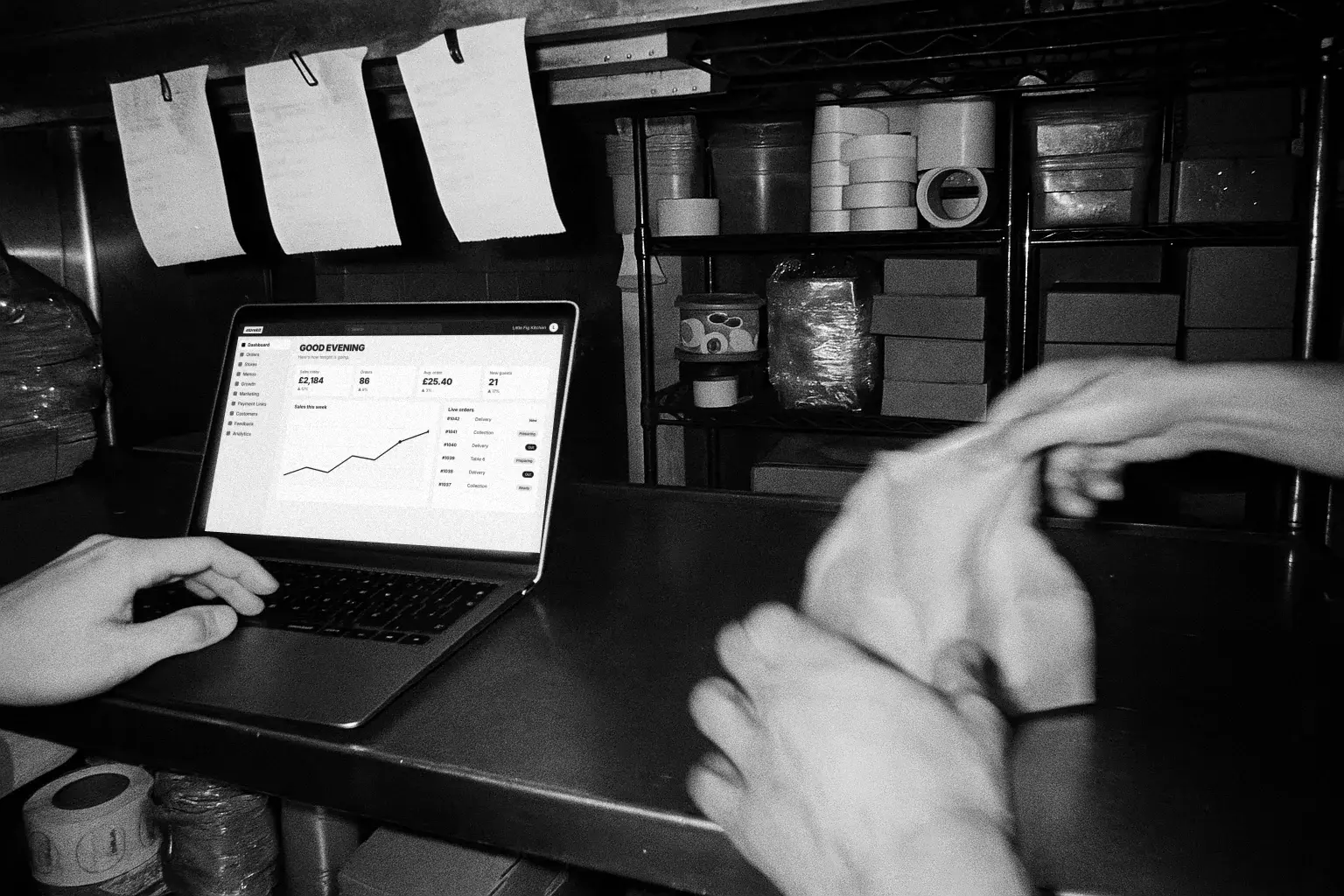
Everything you need to run, sell and grow sits in one dashboard. Here's what each tab is for, and what you'll find inside.
Log in at dashboard.storekit.com and follow along.
Orders
Why: Stay on top of service. Your team gets everything they need to run the shift.
What: Manage live orders as they come in, prep for future orders, and track every delivery driver live. Pair it with order tracking so guests see the same.
Stores
Why: Manage your storefronts. All your key settings in one place.
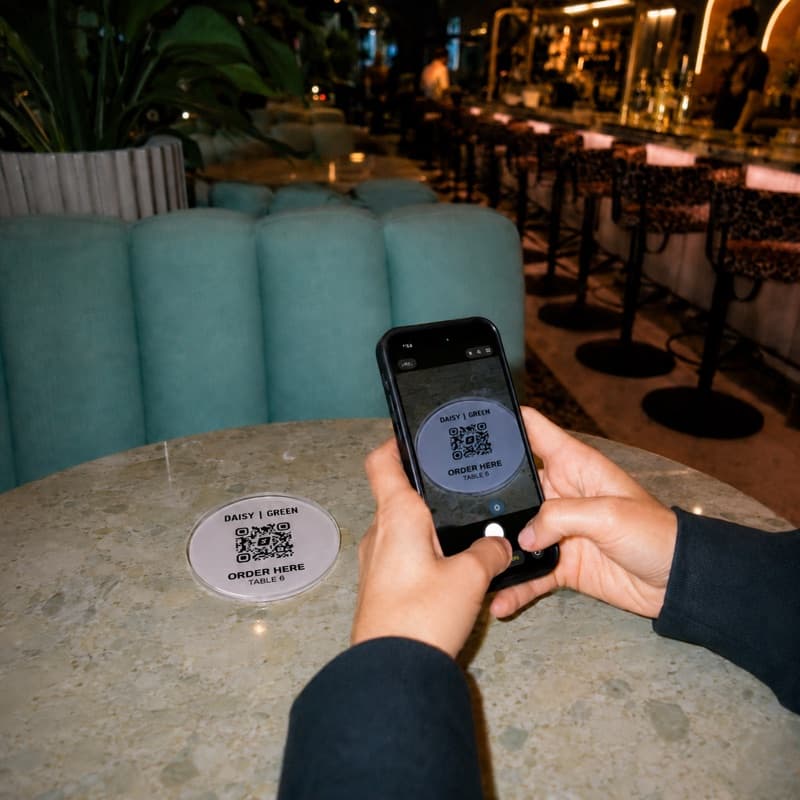
What: Share QR codes that link to your site. Search settings for design, hours, delivery zones, integrations, payments and more.Stores > Settings
Menus
Why: A great menu sells for you. Photos, clear names and modifiers grow the basket.
What: Categories, items, prices, photos, modifiers, allergens and snoozes. Tag new items and check your menu score. Item photos and videos do the heavy lifting.
Growth
Why: The tools to grow visibility, increase conversion and keep guests coming back.
What: Guides, resources and key actions, like switching on Uber Direct and adding your link to Google Business Profile.
Marketing
Why: Give them a reason to order tonight, and a reason to come back next week.
What: Discount codes, promotions, banners and video stories on your menu.
Payment Links
Why: Flexible payments, for anything you need.
What: Send payment links for deposits, catering, vouchers and phone orders. See who's paid and who's still waiting.
Customers
Why: Know who your guests are, so you can give them a reason to come back.
What: Insights on your segments, regulars and new guests. A list of every guest, their spend and opt-in, ready to export. Your guests, your data shows what to do with it.
Feedback
Why: Understand your guests' experience, and do it even better next time.
What: Item ratings show what guests love most. Connect Google to read and reply to your reviews in one place with Smart reviews.
Analytics
Why: Dig into performance and find the insights that shape what you do next.
What: Explore your numbers, then go deeper on sales, products, customers, operations and menu engineering. Plus a live view.
One dashboard. Every way a guest orders.
Still need a hand? Chat to us in your dashboard, or email support@storekit.com.
Questions operators ask
Where do I log in to the dashboard?
At dashboard.storekit.com, with the email you signed up with.
I run more than one site. Do I need more than one dashboard?
No. Every store sits in the same dashboard, each with its own settings, menus and orders.
Where do I change my opening hours or delivery zones?
In Stores. Open Settings and search for the setting you need.
How do I get help with something in the dashboard?
Chat to us from inside the dashboard, or email support@storekit.com.
More from the blog
Choosing an ordering system
True cost, data ownership, integrations, support, exit terms - the six checks that separate sound platforms from regret, learnt the hard way by 123,000 GloriaFood operators.
Harry Soar · 11 June 2026 · 2 min read
Read post →
Click and collect
The four settings that decide whether collection works or falls apart: lead time, slot capacity, what you do with the packaging, and the handover at the counter.
Harry Soar · 23 August 2026 · 3 min read
Read post →

QR code ordering
Scan, order, pay - and the table turns faster with a bigger bill. How QR ordering actually works, where it fits (and doesn't), and the honest cost picture.
Harry Soar · 11 June 2026 · 2 min read
Read post →
One dashboard.
The whole business.
Live the same day, and an ex-operator on the other end of the line.